
Understanding the Recharge Page
What this page is for
Section titled “What this page is for”The Recharge page is where you add money to your wallet.
Open it directly: Accounts → Recharge
Important: Recharge puts money into the wallet. It is not a payout. To withdraw your earnings, use the Payouts page.
When you need a balance
Section titled “When you need a balance”A wallet balance is needed to:
- Move Cash on Delivery orders ahead — printing and shipping is paid from the wallet
- Order samples of your products
- Buy gift cards
How to recharge
Section titled “How to recharge”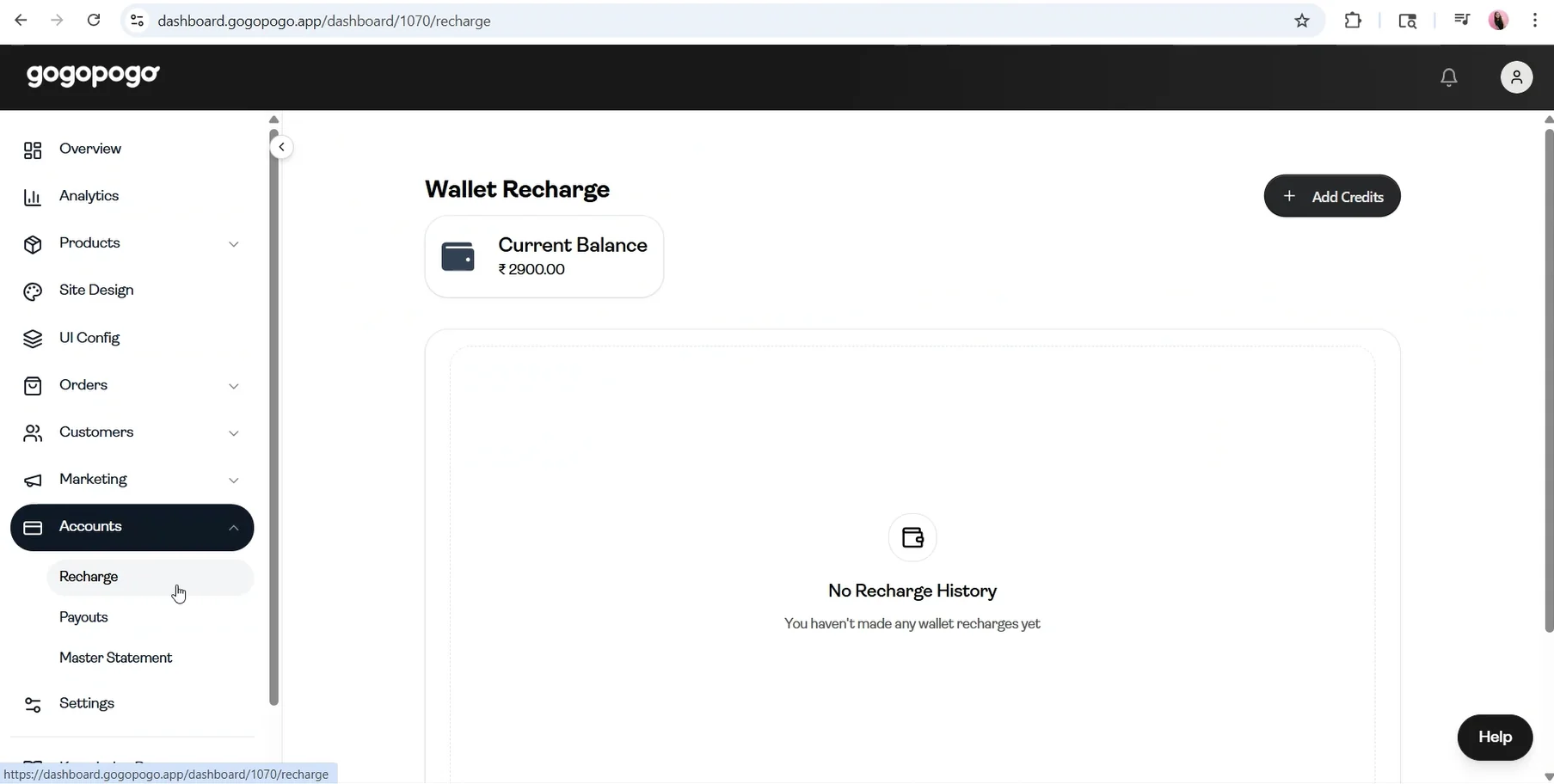
- Check your current balance at the top of the page.
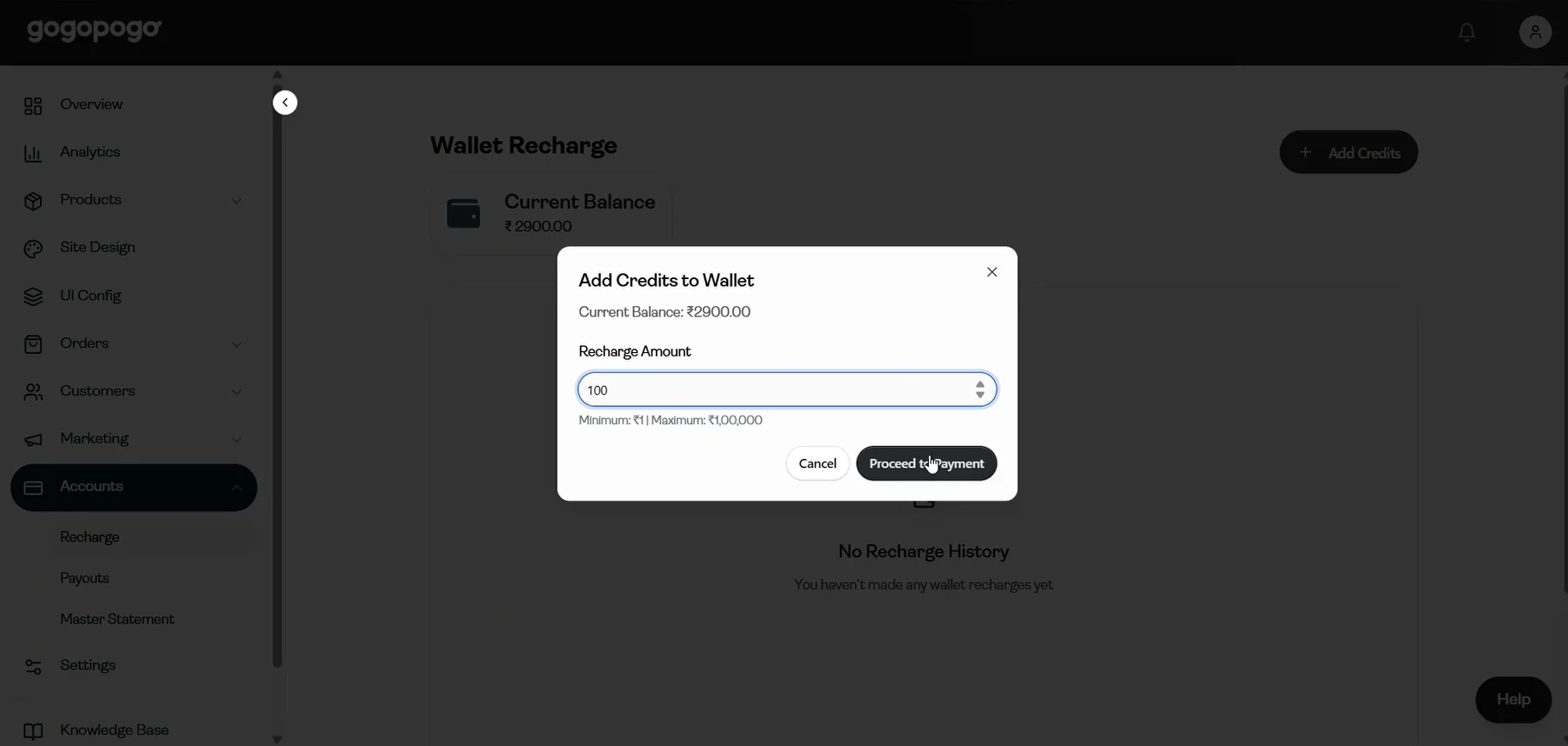
- Click Add Credits.
- Enter the amount and click Proceed to Payment.
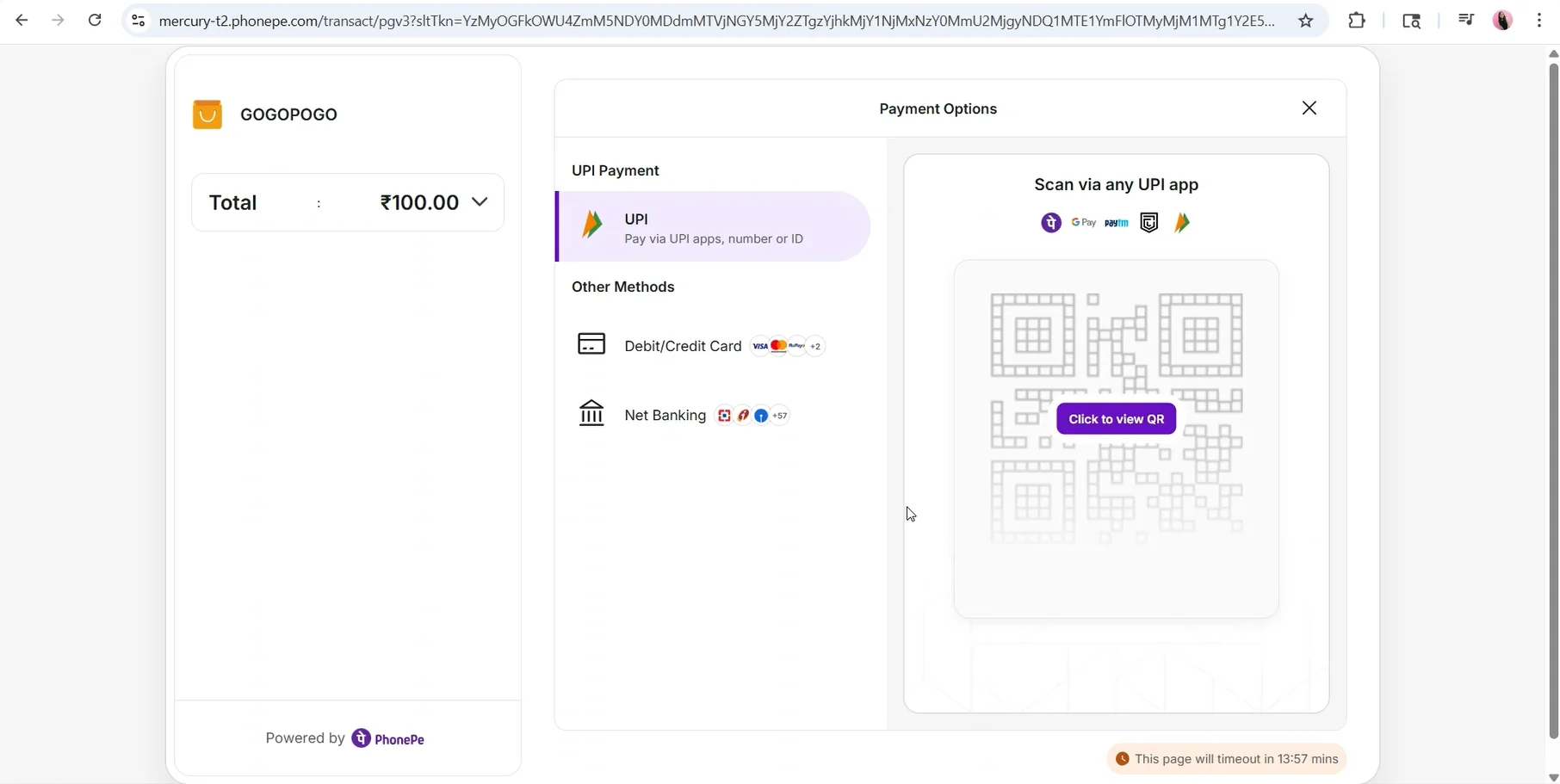
- Choose UPI, debit/credit card or net banking and complete the payment.
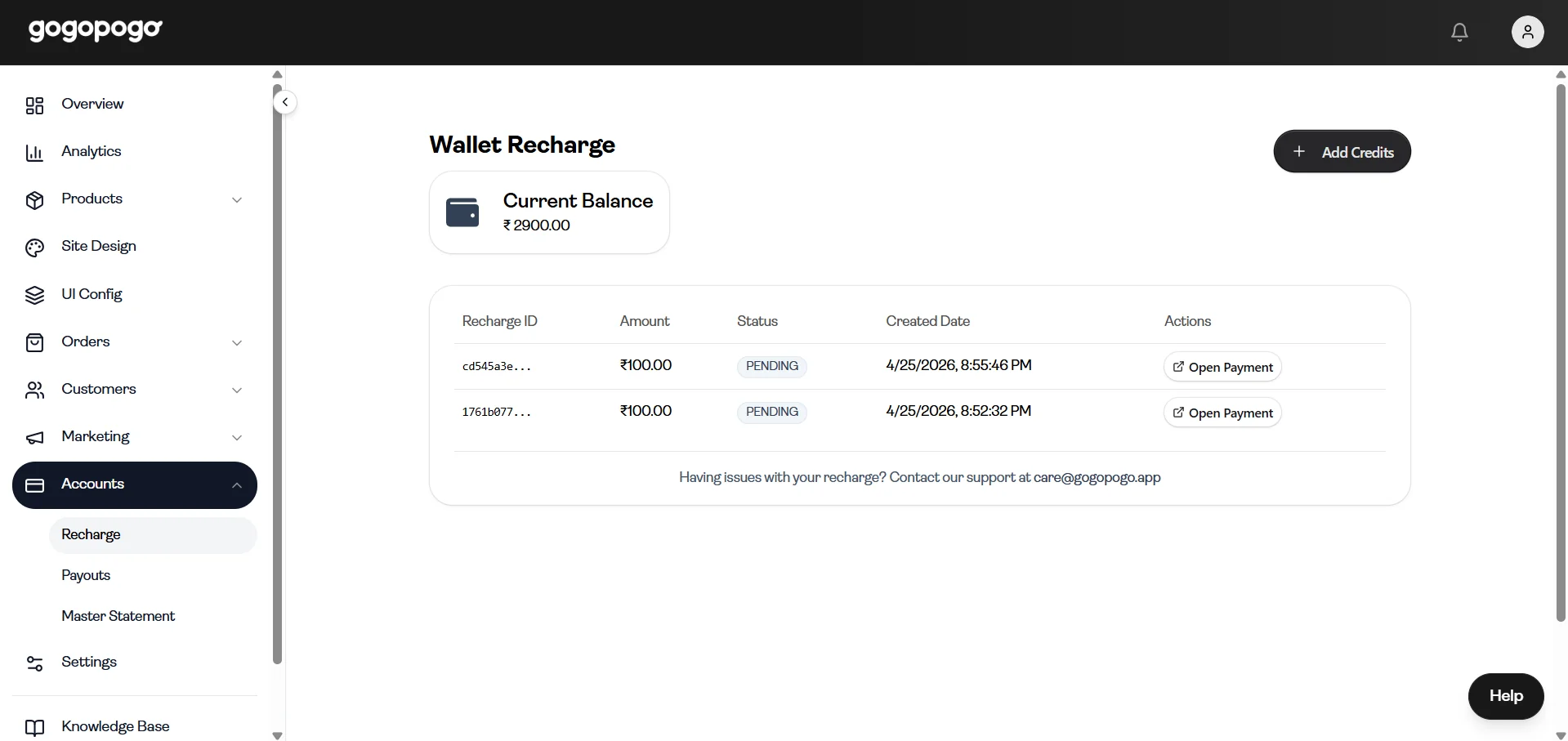
After you start the payment, a recharge status screen shows the recharge ID, amount, status and date.
If the payment does not go through
Section titled “If the payment does not go through”- The balance is added only after the payment is successful.
- If the status shows Pending, click Open Payment to finish it.
- If something looks wrong, contact our support team from the same screen.
Who can access this
Section titled “Who can access this”Can access: Owner Editor SubAdmin
Cannot access: Staff