
Microsoft Clarity
Microsoft Clarity is a free tool that shows you what visitors actually did on your shop. Two things come out of it:
- Session recordings — a replay of a real visit. You watch someone scroll, tap and leave.
- Heatmaps — a picture of where people click most, and how far down the page they get.
It answers the question the numbers cannot: why did they leave. Maybe everyone misses the size chart, or the buy button sits below where people stop scrolling.
Open the Microsoft Clarity card
Section titled “Open the Microsoft Clarity card”In the left menu, open Settings, then Integrations. The card sits under Analytics.
Open it directly: Settings → Integrations
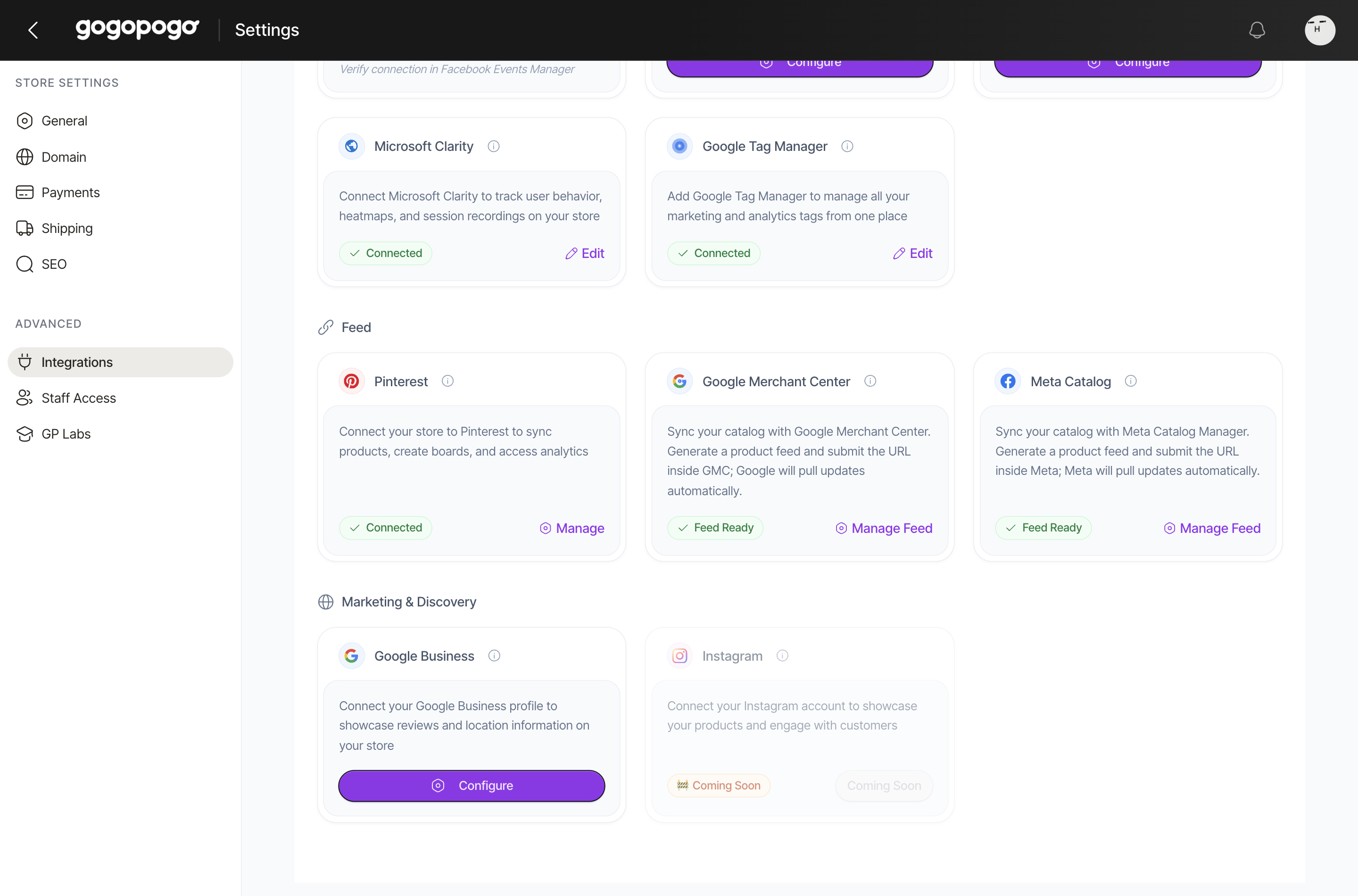
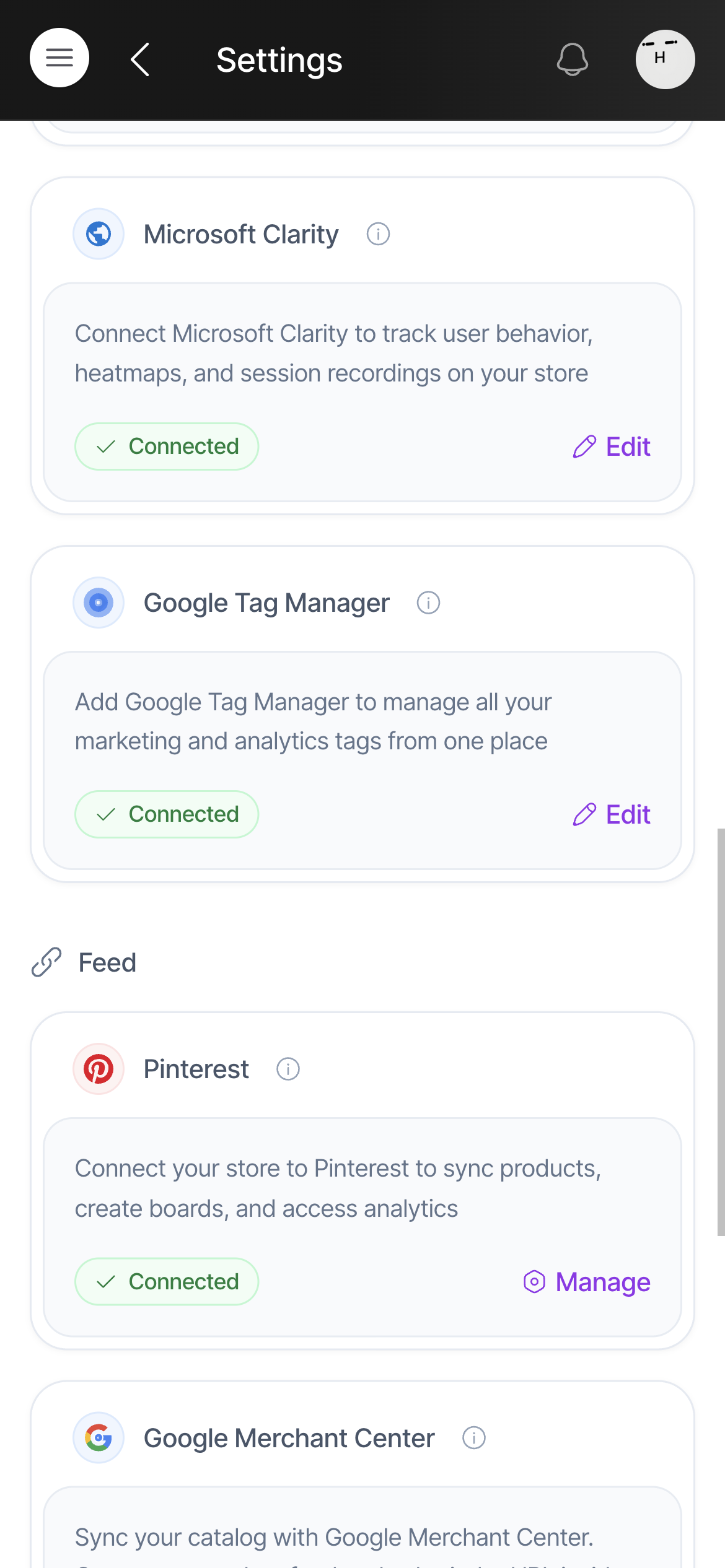
Click Edit.
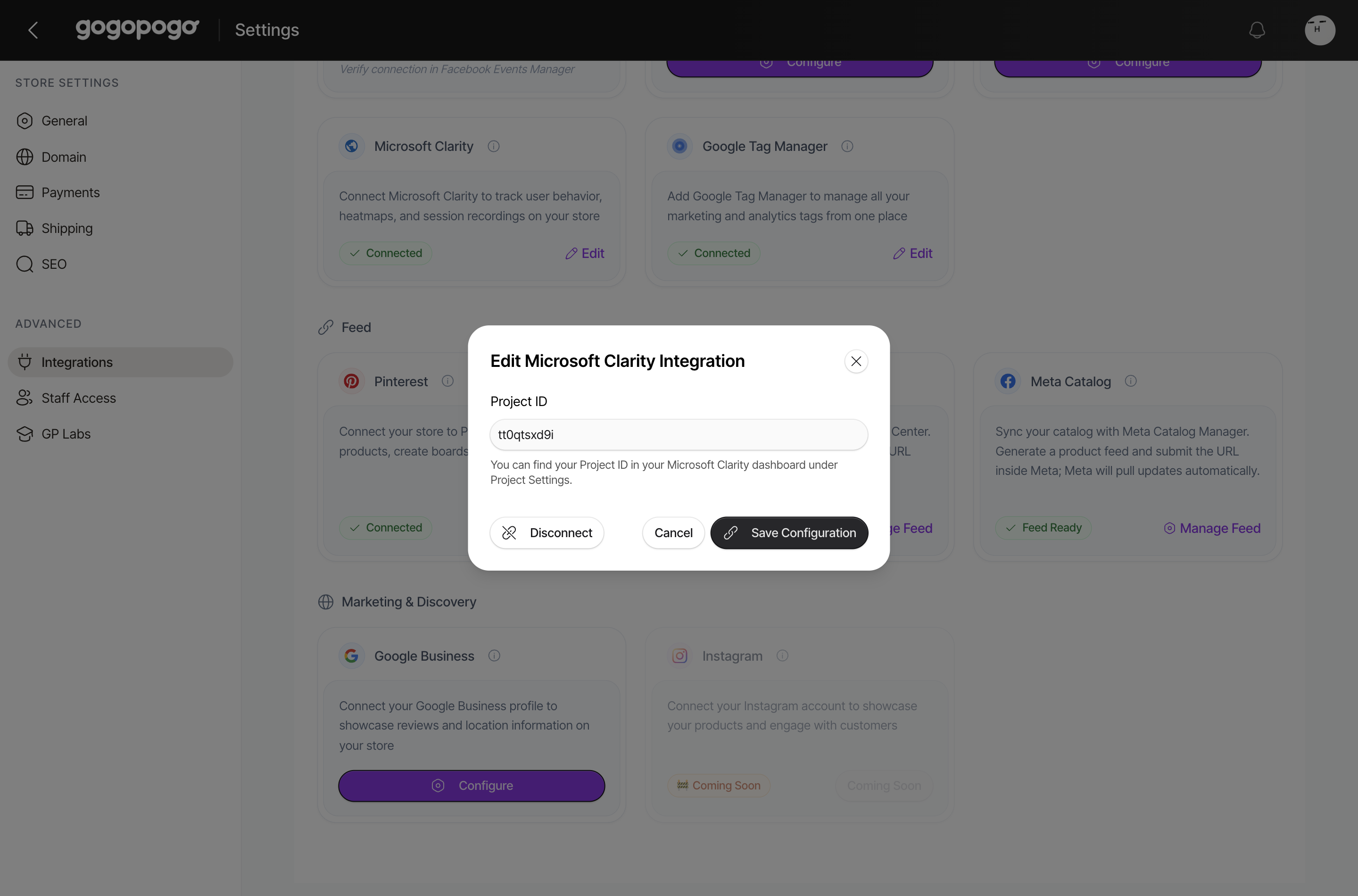
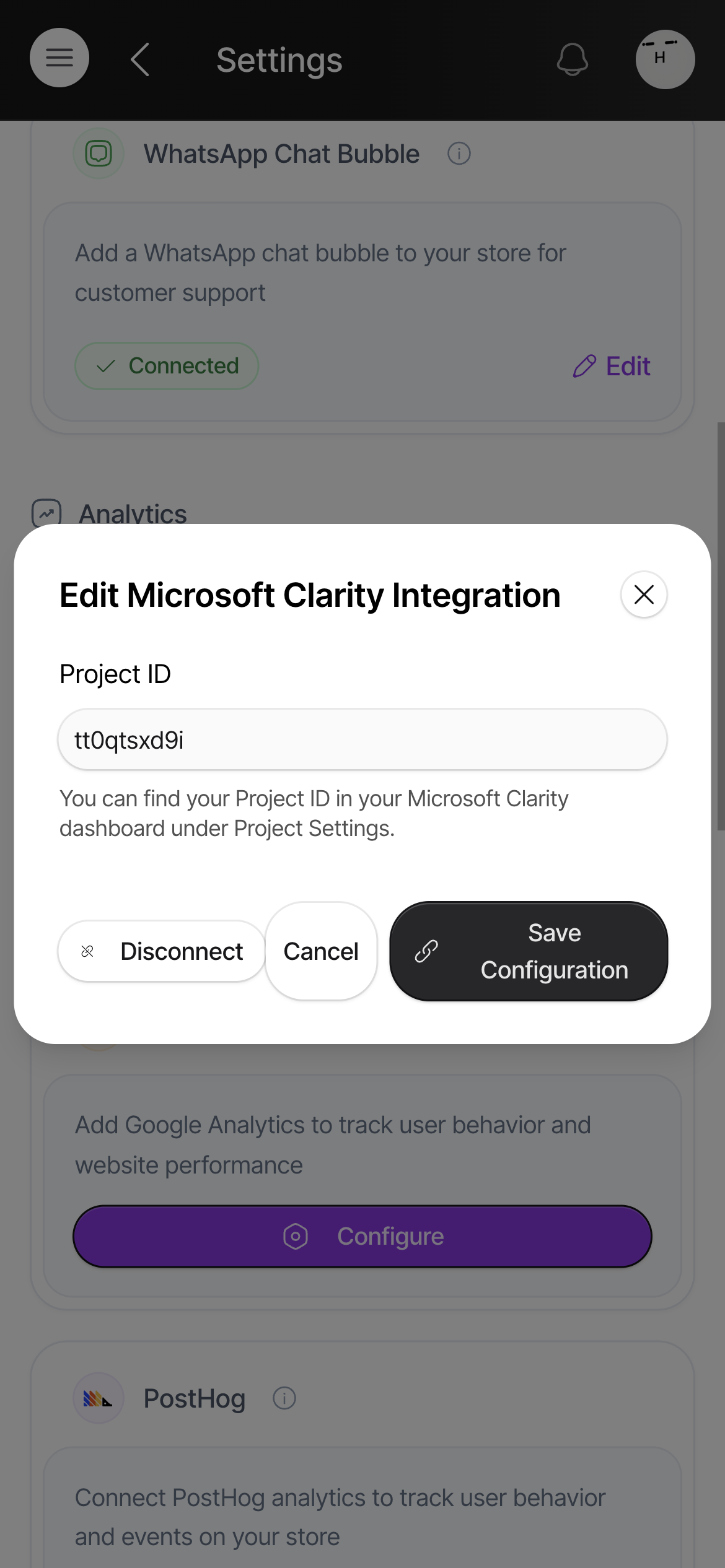
Find your Project ID
Section titled “Find your Project ID”Sign in at clarity.microsoft.com and you will see a project for your shop. Its Project ID is a short string of small letters and numbers, for example tt0qtsxd9i.
Two places to find it:
- Project Settings in Clarity — the page the window points you to.
- Or from the tracking code Clarity gives you to install. The ID is the last piece of the tag address — in
clarity.ms/tag/tt0qtsxd9i, the Project ID istt0qtsxd9i.
Do not paste the project name, and do not paste the whole tracking script. Just the short ID.
If you have not made a project in Clarity yet, create one there first, name it after your shop, and add your shop’s web address.
Save it
Section titled “Save it”Click Save Configuration. The card switches to Connected and Clarity starts collecting visits from that moment.
Recordings only appear once real people browse your shop, so give it a little time and a few visitors. Nothing is recorded from you looking at your own dashboard.
Quick checklist
Section titled “Quick checklist”- Project ID pasted, not the project name and not the whole script?
- Clicked Save Configuration, and the card now says Connected?
- A few real visits have happened, so there is something to watch?
Who can access this
Section titled “Who can access this”Can access: Owner SubAdmin
Cannot access: Editor Staff