
Understanding the Payouts Page
What is this page?
Section titled “What is this page?”The Payouts page is where you withdraw your earnings and track the status of your payments. It helps you move your balance from the platform to your bank account or UPI.
Checklist
Section titled “Checklist”Before requesting a payout, make sure:
- Your payment details are added (UPI or Bank Transfer)
- Your available balance is at least ₹50
- You have access to the Payment Settings page
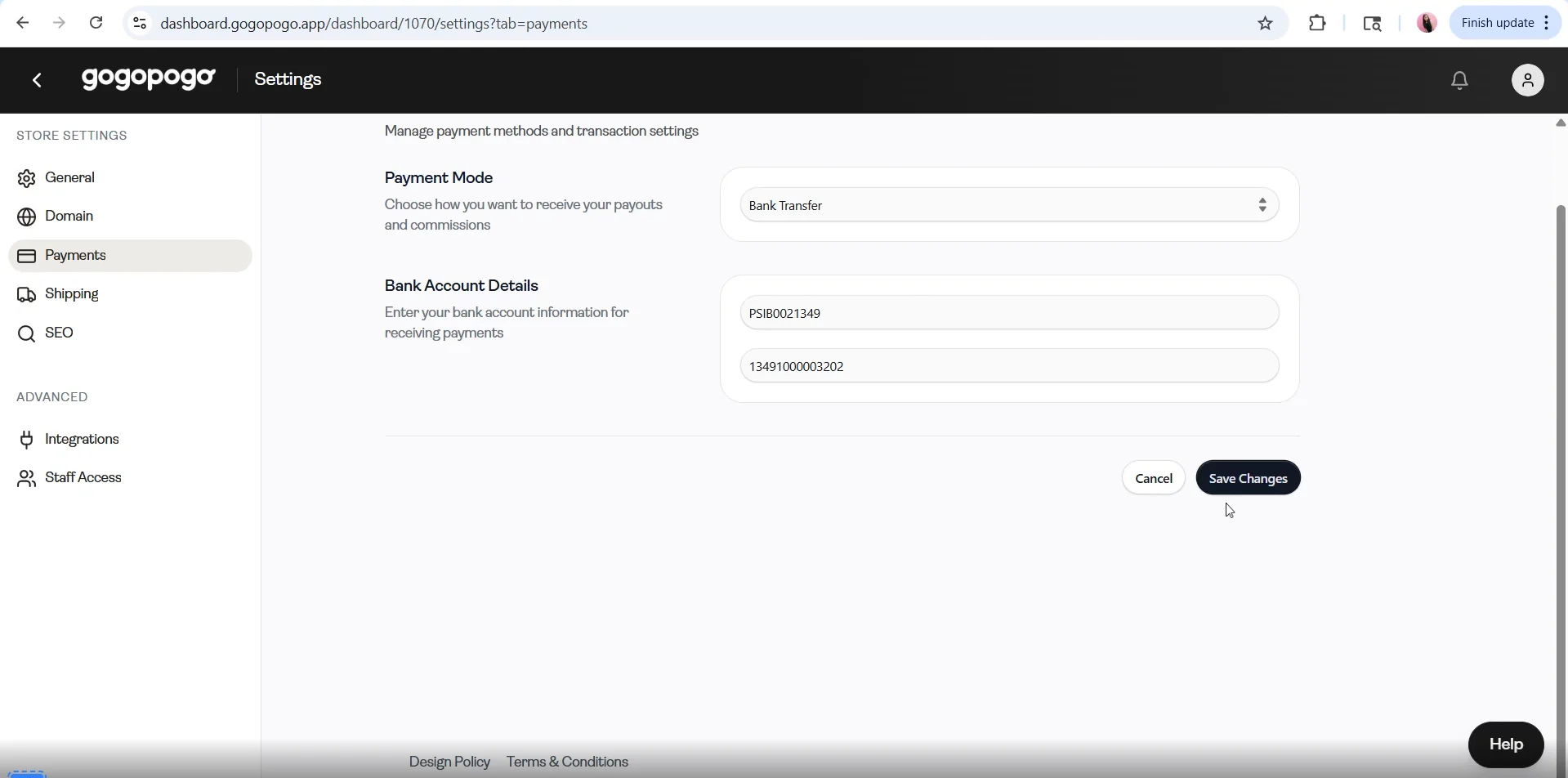
Click on the link below to open the Payment Settings page and add your payment details.
https://dashboard.gogopogo.app/dashboard?tab=payments&redirect=settings
Key Information
Section titled “Key Information”- Minimum payout amount: ₹50
- Processing time: Up to 48 hours
- Payment method required: UPI or Bank Transfer
Once you meet these conditions, you can request a payout directly from this page.
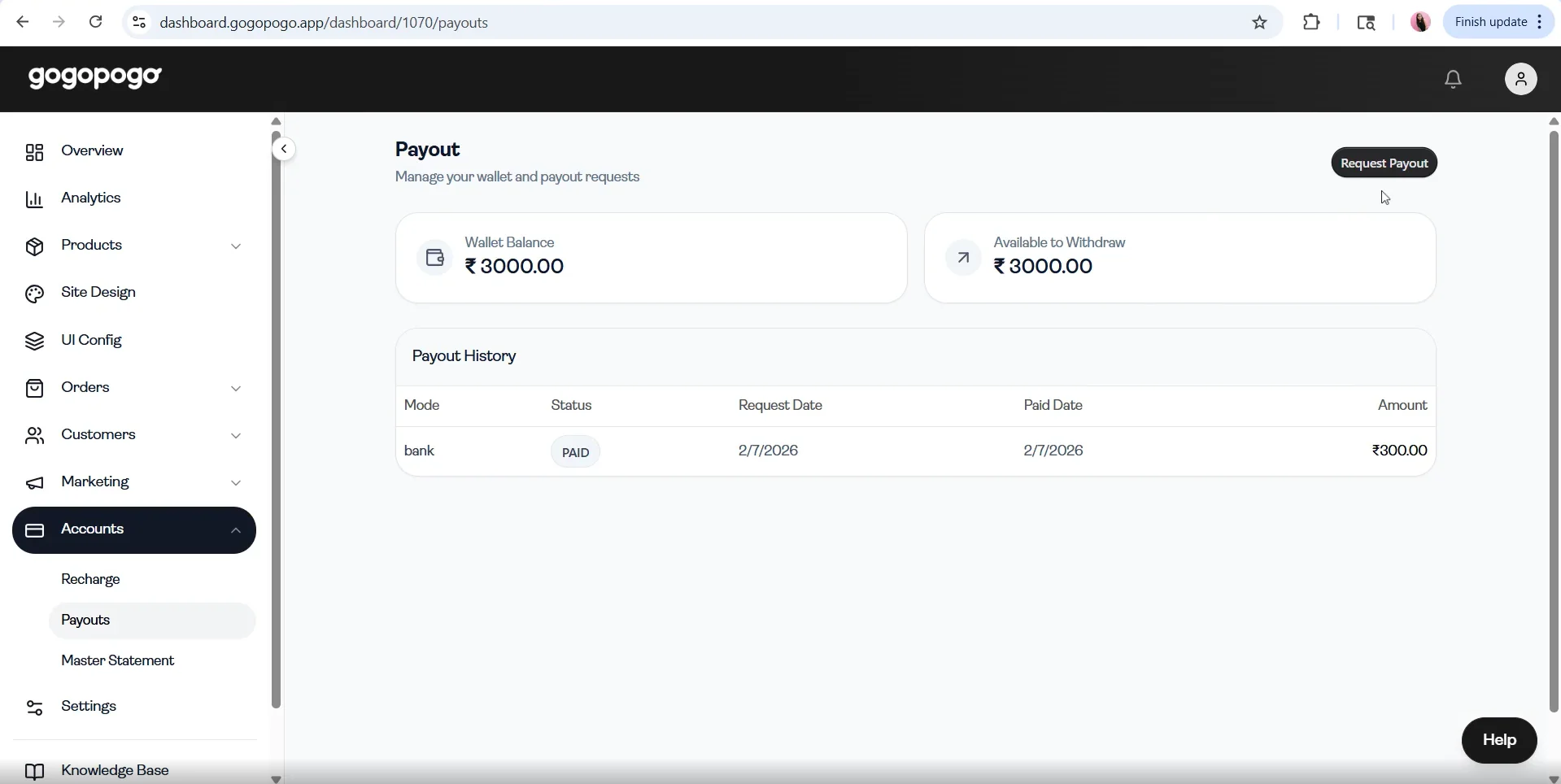
How to Request a Payout
Section titled “How to Request a Payout”- Go to the Payouts page
- Check your available balance
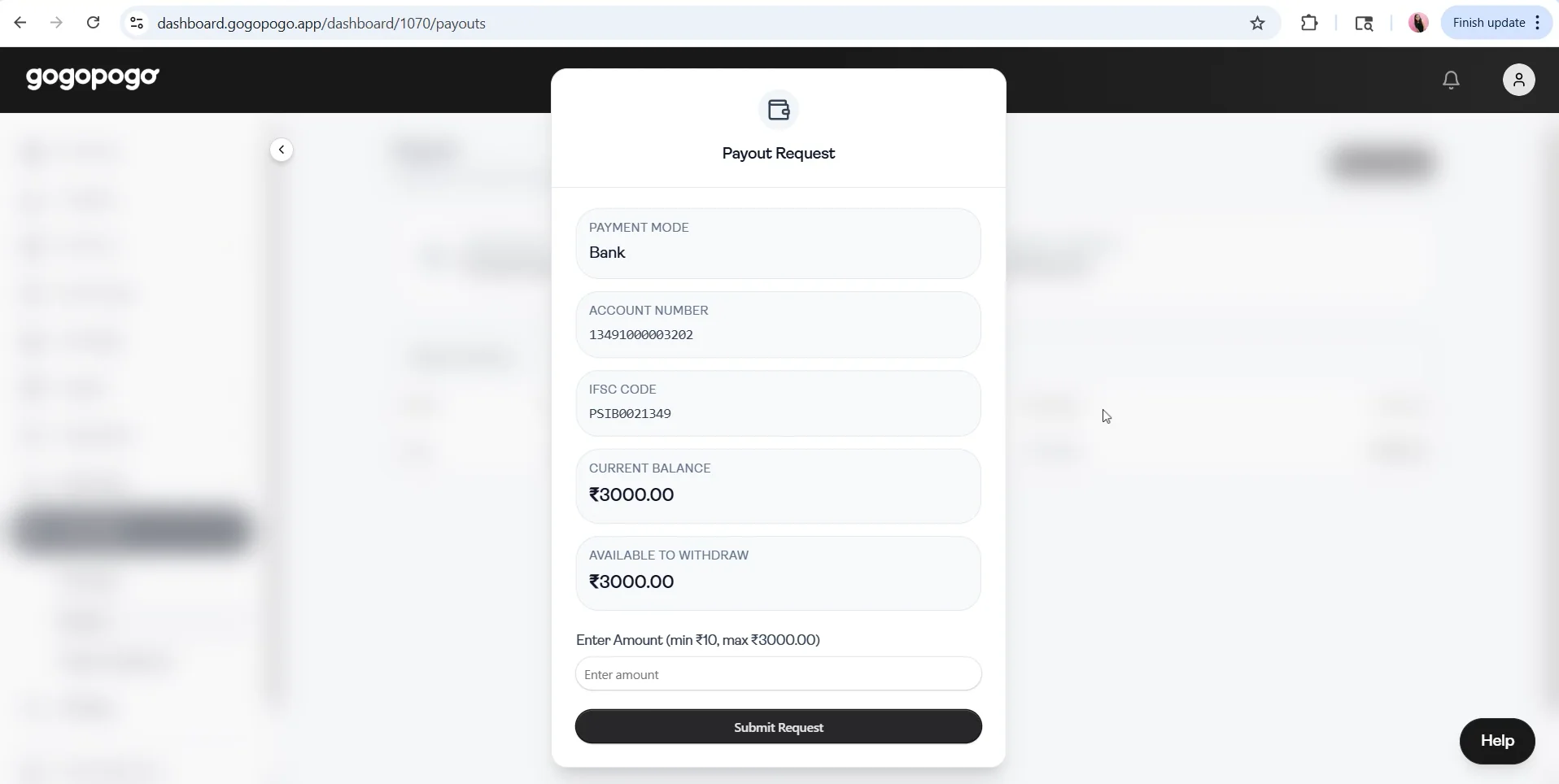
- Click on Request Payout
- Confirm your request
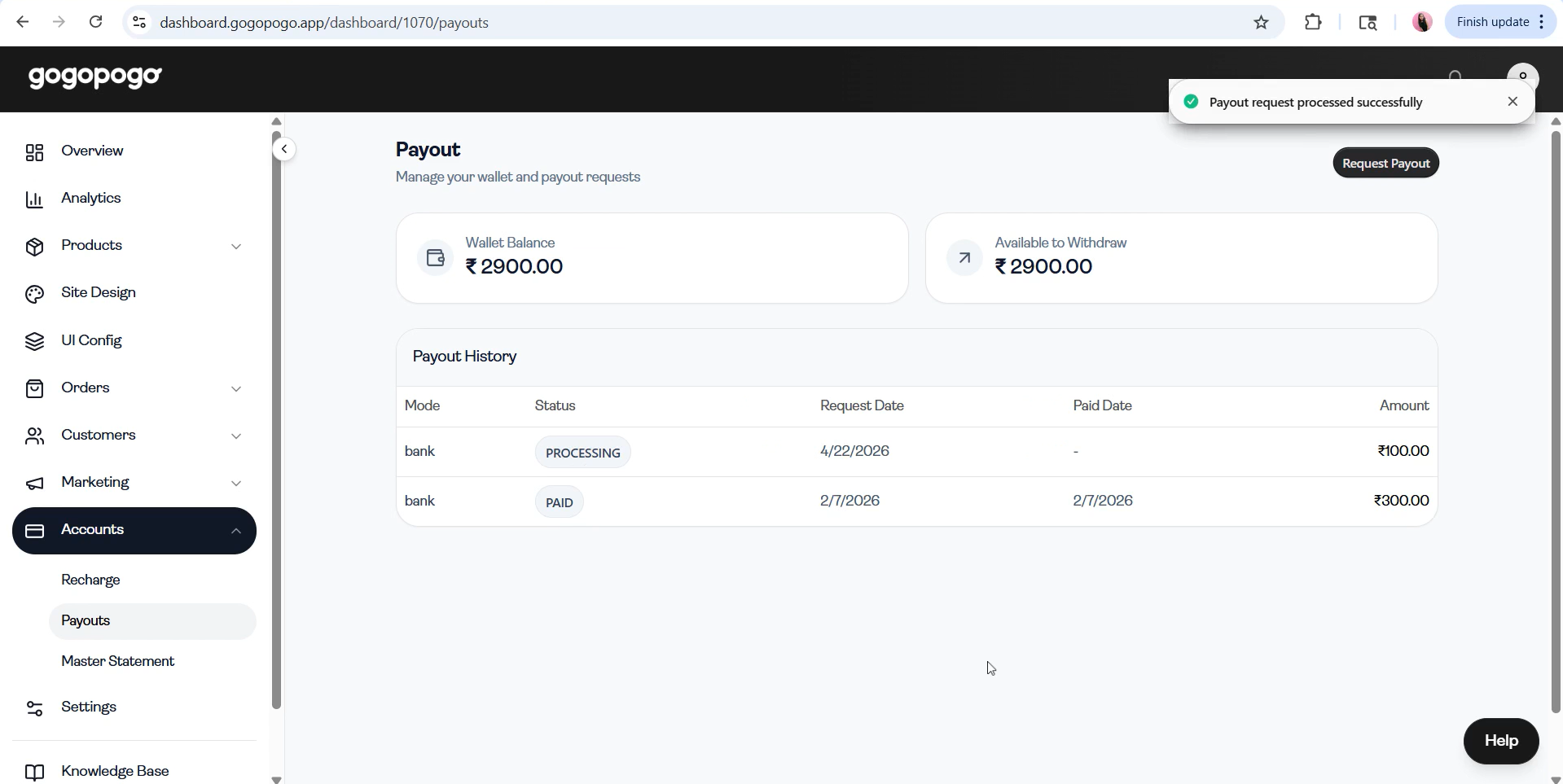
After submission, your payout enters processing.
Status / Terms Explanation
Section titled “Status / Terms Explanation”Each payout request will show one of these statuses:
- **PROCESSING :**Your request has been received and is under review. You’ll be notified once it’s completed.
- **PROCESSED :**Payment has been successfully sent to your account.
- **CANCELLED :**The payout was not completed. This means the payout request has been cancelled from the platform’s side. You may retry or check your details, or contact the support team to know why it was cancelled.
Important Notes
Section titled “Important Notes”- For your first payout, a ₹5 test transaction may be sent.This confirms your payment details. After confirmation, the remaining amount is transferred.
- If payment details are not added, you will be redirected to the Payment Settings page.